Most people shopping for CCTV start with the wrong question: "how many cameras do I need?" The better first question is "what do I want to be able to see, and for how long?" Answer that and the number of cameras, the resolution and the storage all fall into place. Here is how we walk customers through it.
Start with what you want to see
Walk around the property and list the moments that matter: the gate when someone rings, the car park at night, the till and the shop entrance, the back door nobody watches, the corridor outside the stockroom. Each of those is a camera position. Most homes end up with four to six; small shops and offices with four to eight; schools and apartment blocks with more.
For each position ask: do I need to recognise a face or read a number plate, or just see that something happened? Recognition needs a higher-resolution camera placed closer and at roughly eye level. Overview cameras can sit higher and cover more ground.
Camera types, in plain language
- Bullet cameras are the long, visible ones. Good outdoors, easy to aim, and their presence is a deterrent on its own.
- Dome cameras are the small half-spheres. Neater indoors and harder to tamper with, and people cannot tell which way they point.
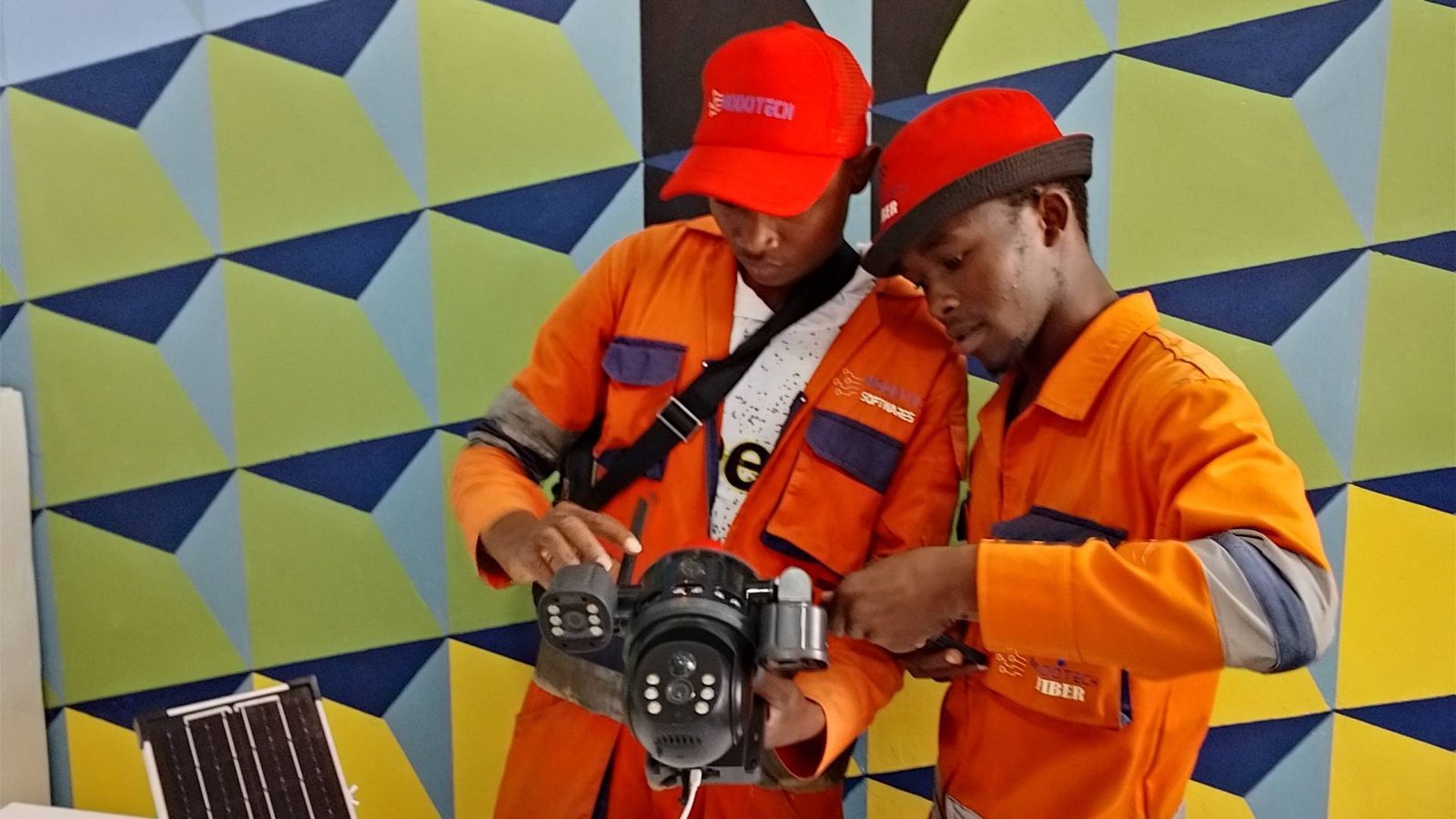
- PTZ (pan-tilt-zoom) cameras can be turned and zoomed from your phone. Useful for large compounds, car parks and school fields, but one PTZ does not replace several fixed cameras because it can only look one way at a time.
- Turret cameras are a bullet-dome hybrid that is popular for homes because they are discreet and easy to adjust.
IP or analogue?
Analogue (HD-over-coax) systems are cheaper and still perfectly good for a small home or shop. IP cameras send video over a network cable, support higher resolutions, and are what you want if you plan to grow the system, integrate with access control, or use smart detection. If you are wiring a new building, run network cable everywhere. It supports either system and costs the same to install.
Resolution: 2MP, 4MP, 5MP or 4K?
| Resolution | Best for |
|---|---|
| 2MP (1080p) | General overview of a room or gate; the most affordable option |
| 4MP / 5MP | The sweet spot for most homes and businesses; faces and plates at moderate distance |
| 8MP (4K) | Large areas, car parks, anywhere you need to zoom into recorded footage |
Higher resolution means more storage per day, so do not buy 4K everywhere by default. Put the high-resolution cameras where identification matters and use 2MP or 4MP for overview.
Night vision
Every camera we install has infrared night vision, which gives black-and-white footage in total darkness. Some models add full-colour night vision using a built-in white light or very sensitive sensors, which is genuinely useful for identifying clothing and vehicle colour. Check the stated infrared range and make sure it covers the distance you actually need.
Storage: how many days do you want to keep?
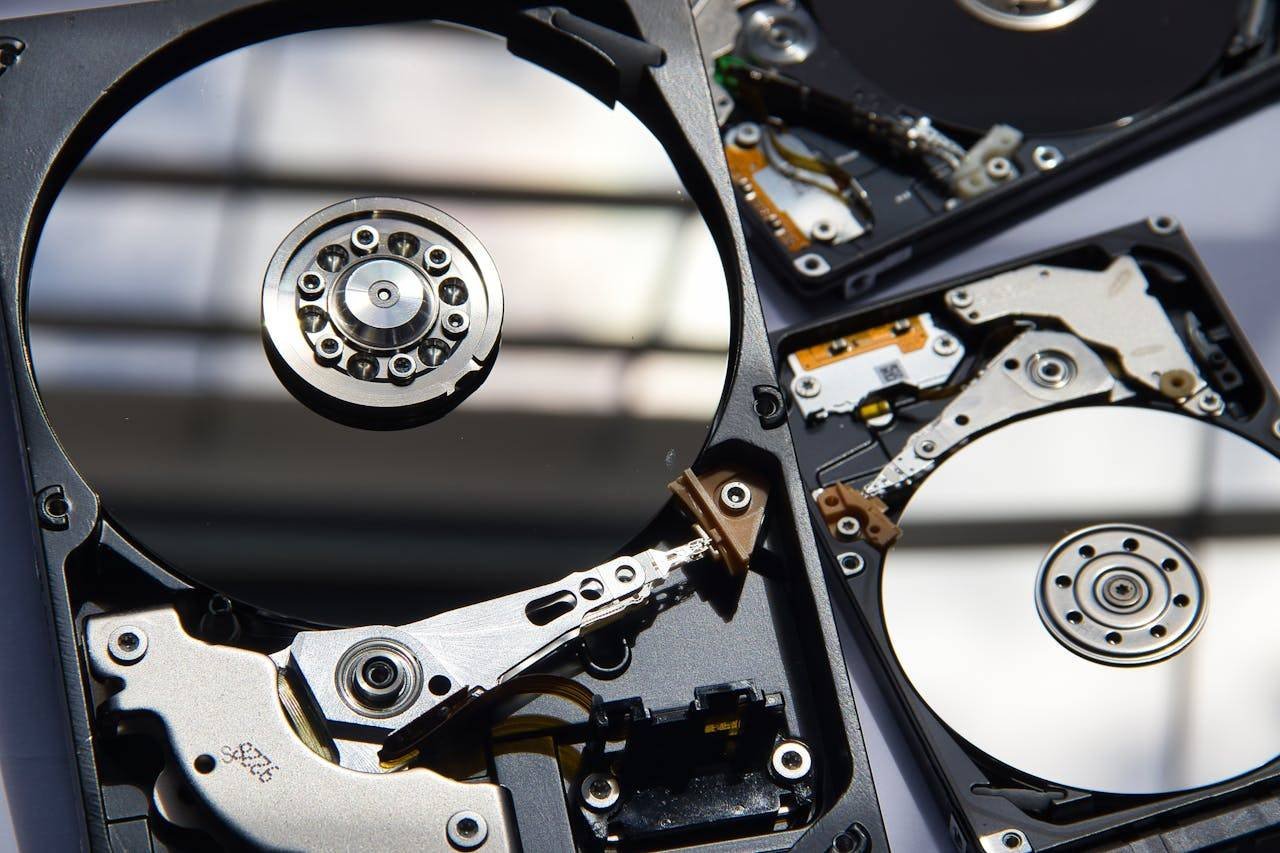
Footage is stored on a hard drive inside the recorder (an NVR for IP cameras, a DVR for analogue). A common rule of thumb is that a 1TB drive holds roughly two weeks of continuous footage from four 1080p cameras at standard settings, but this varies a lot with resolution, frame rate and whether you record continuously or only on motion. Tell us how many days you want to keep and we will size the drive. For businesses we suggest at least 30 days.
Use a surveillance-grade hard drive. Ordinary desktop drives are not designed to write 24 hours a day and fail early.
Remote viewing on your phone
Any modern system lets you watch live and playback from your phone. What makes it reliable is a stable internet connection at the property and a recorder that is set up properly. If the site's internet is poor, remote viewing will be too. This is one reason we often install cameras and internet together.
Power and backup
Cameras go dark when the power goes. A small UPS on the recorder and the network switch keeps everything recording through short outages and, importantly, keeps the clock and settings intact. For sites with frequent cuts, a solar and battery setup is worth costing.
The mistakes we see most often
- Cameras pointed at the sky or a bright window. The picture blows out and faces are silhouettes. Placement is everything.
- Recorder in the open. If a thief can take the recorder, the footage goes with it. Lock it in a cabinet or a room they cannot easily reach.
- Default passwords. Change them. Remote viewing with a default password is an open door.
- No maintenance. Spider webs, dust and rain marks quietly ruin footage over a year. Lenses need wiping and the system needs a check.
- Buying the cheapest kit online with no support. When it fails at 2am nobody answers.
What ModoTech does
We design the layout with you on site, install and configure the cameras, recorder, network and phone access, and maintain the system afterwards. We also integrate CCTV with biometric access control, alarms and intercoms for offices, schools and apartment blocks. Book a free site survey on WhatsApp and we will come to you in Ruiru, Kiambu or anywhere in the greater Nairobi area.
Need a hand with this?
Talk to a ModoTech technician in Membley, Ruiru. We reply fast on WhatsApp.