"My laptop has become very slow" is the most common thing we hear at the Membley workshop. Sometimes it needs a repair. Just as often it needs twenty minutes of housekeeping. Try these in order before you bring it in, and if none of them helps, the last section tells you what to look for.
1. Restart it properly
Not "close the lid". A full restart clears memory, finishes pending updates and kills programs that have quietly hung. Laptops that are only ever put to sleep can run for weeks without a real restart, and it shows.
2. Check free storage space
Windows and macOS both slow down badly when the drive is nearly full. Open Settings, then Storage (Windows) or About This Mac, then Storage (Mac). If you have less than 10 percent free, move photos and videos to an external drive or cloud storage, empty the Recycle Bin or Trash, and uninstall programs you no longer use.
3. Cut down what starts with the laptop
Every program that launches at startup stays running in the background. On Windows, press Ctrl + Shift + Esc, open the Startup apps tab and disable anything you do not need immediately after logging in. On a Mac, look under System Settings, General, Login Items. Chat apps, updaters and printer utilities are the usual suspects.
4. Run a malware scan
Adware and cryptomining malware are a very common cause of a laptop that suddenly became slow and hot. Run a full scan with Windows Security (built in) or a reputable scanner. If your browser has new toolbars, a changed home page or pop-ups, that is a strong clue.
5. Install the updates you have been postponing
Pending updates keep downloading and installing in the background, which eats the processor and the drive. Let them finish, then restart. Update your browser too; an old browser with fifty tabs open is a slow laptop by itself.
6. Clean the vents and let it breathe
A laptop that gets hot and then slows down is protecting itself. Dust in the fan and vents is the usual reason, especially in dusty areas along the bypass. Use the laptop on a hard surface, not a bed or sofa, and if the fan is loud or the underside is hot to the touch, it needs a clean. That is a quick job for us and it often feels like a new machine afterwards.
7. Consider an SSD or more memory
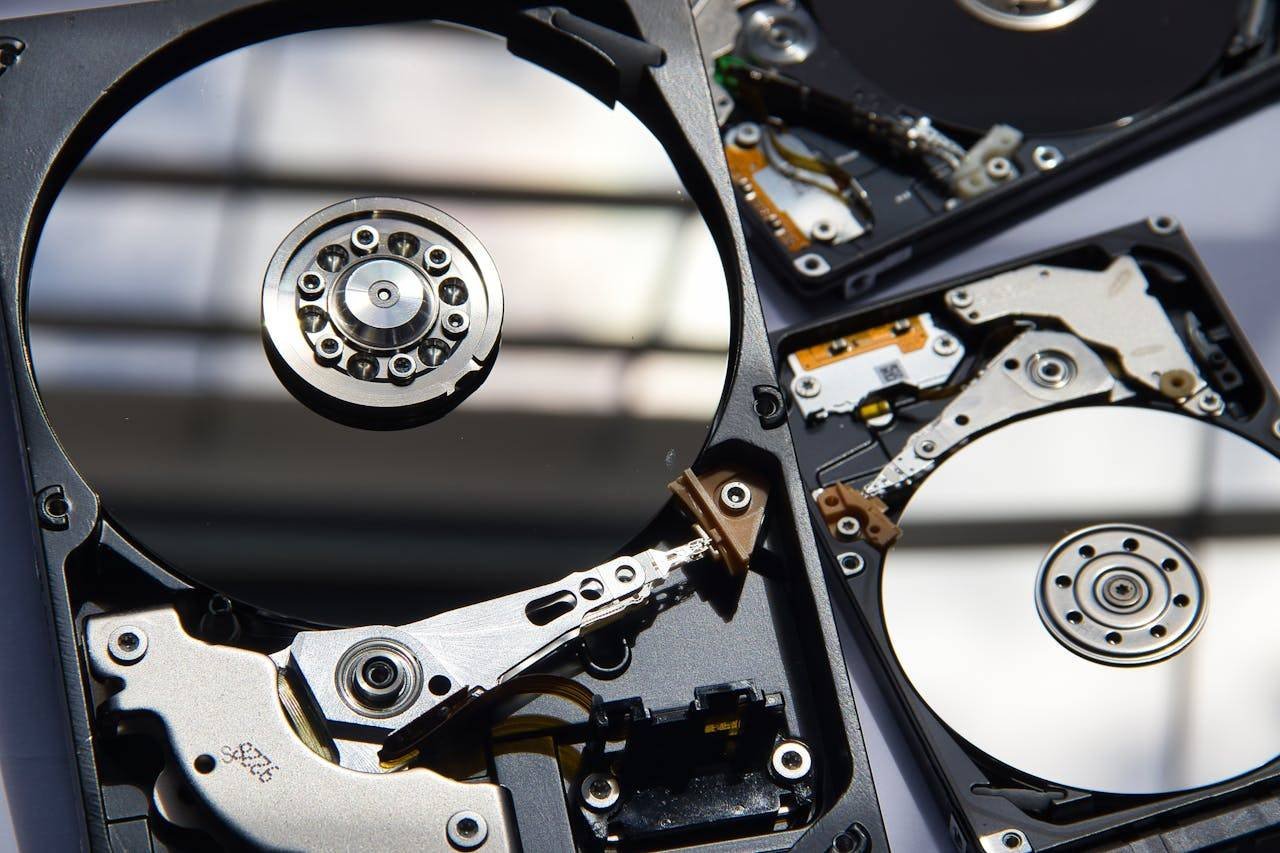
If the laptop still has a spinning hard drive (most machines older than about 2019), replacing it with an SSD is the single biggest upgrade you can make. Boot time drops from minutes to seconds and everything opens faster. If you regularly have many browser tabs and apps open and the laptop has 4GB of memory, going to 8GB or 16GB makes a big difference. We can copy everything over so you do not lose files or settings.
Signs it is time to bring it in
Some symptoms mean hardware, and no amount of cleaning up will fix them:
- Clicking or grinding noises from the drive. Stop using the laptop and back up immediately; the drive is failing.
- Random shutdowns or restarts, especially when it is warm. Usually thermal paste, a failing fan or a power issue.
- The battery is swollen and the trackpad or case is bulging. Stop charging it and bring it in; a swollen battery is a safety risk.
- Blue screens or kernel panics that repeat after a restart.
- A drive that reports errors or a machine that takes more than five minutes to boot even after the steps above.
What ModoTech does
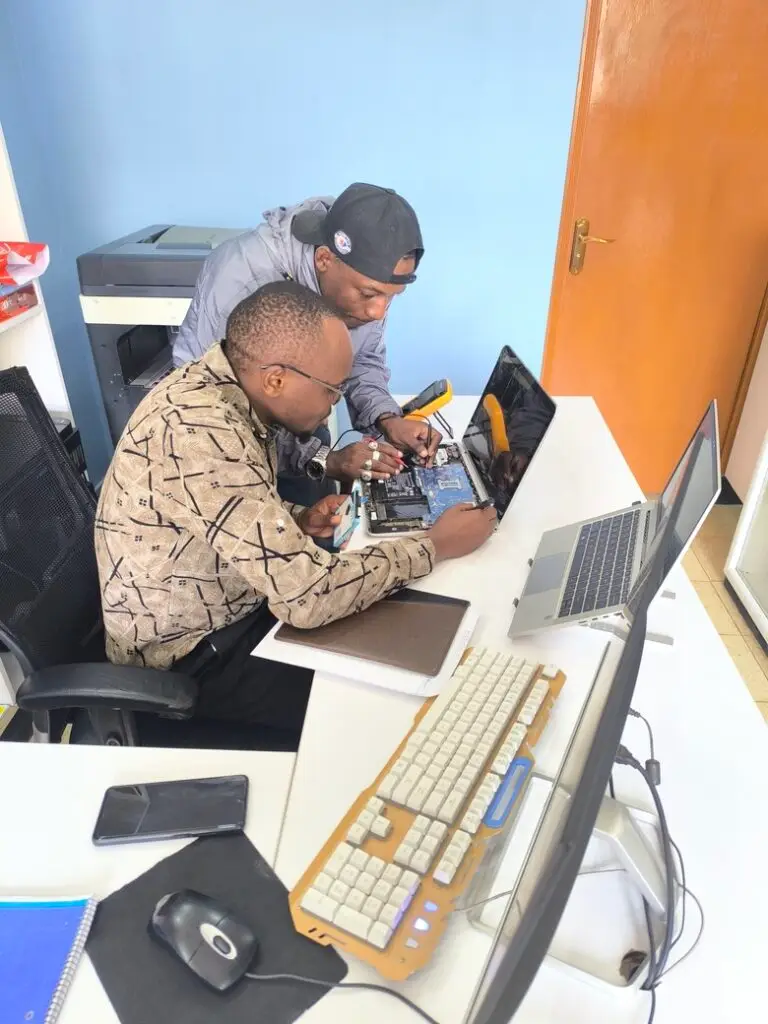
We diagnose for free at the workshop and quote before any work starts. Common jobs are SSD upgrades with full data transfer, memory upgrades, fan cleaning and thermal paste, battery replacement, screen and keyboard repairs, and malware removal. Most upgrades and cleans are same-day. If you are not sure whether it is worth repairing, bring it in and we will tell you straight.
Need a hand with this?
Talk to a ModoTech technician in Membley, Ruiru. We reply fast on WhatsApp.